19SATToday
73°
“
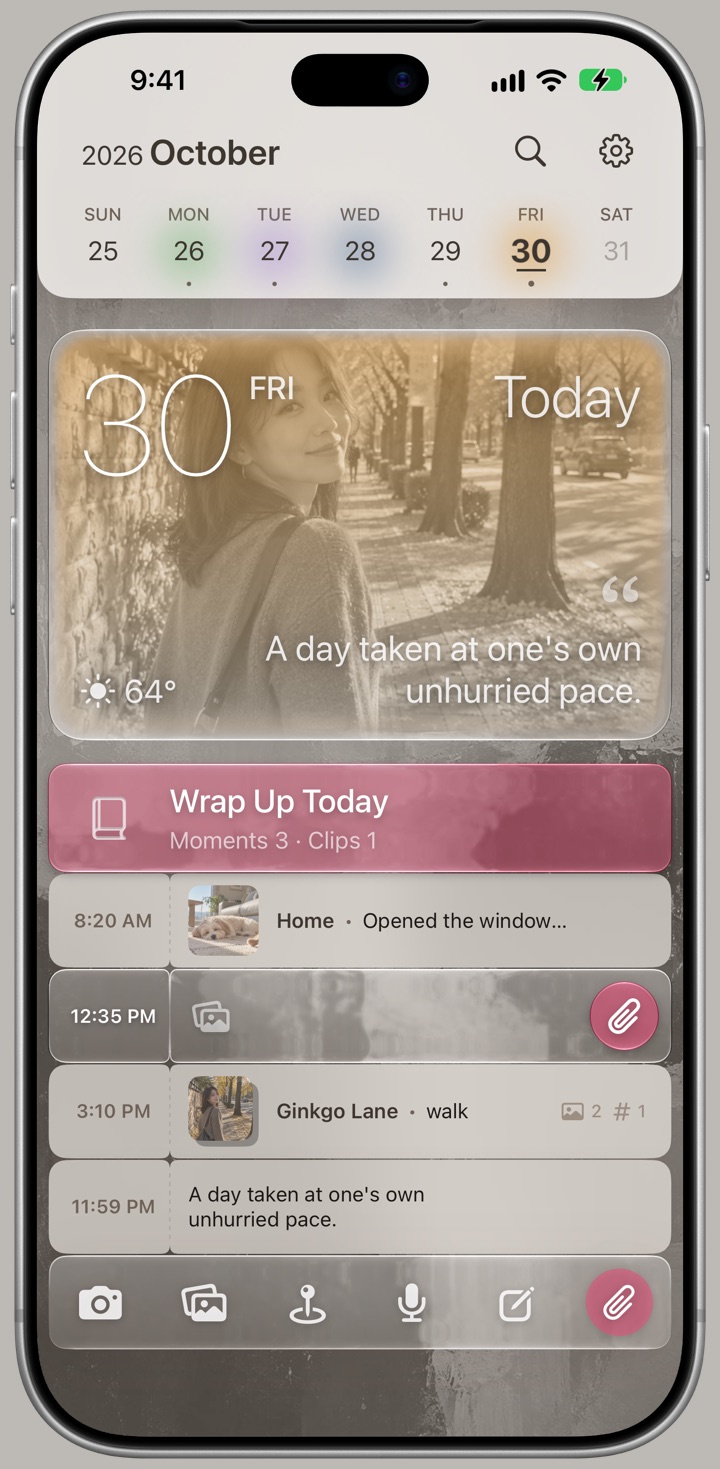
A day taken at one's own unhurried pace.
 2000s
 2010s
 2020s
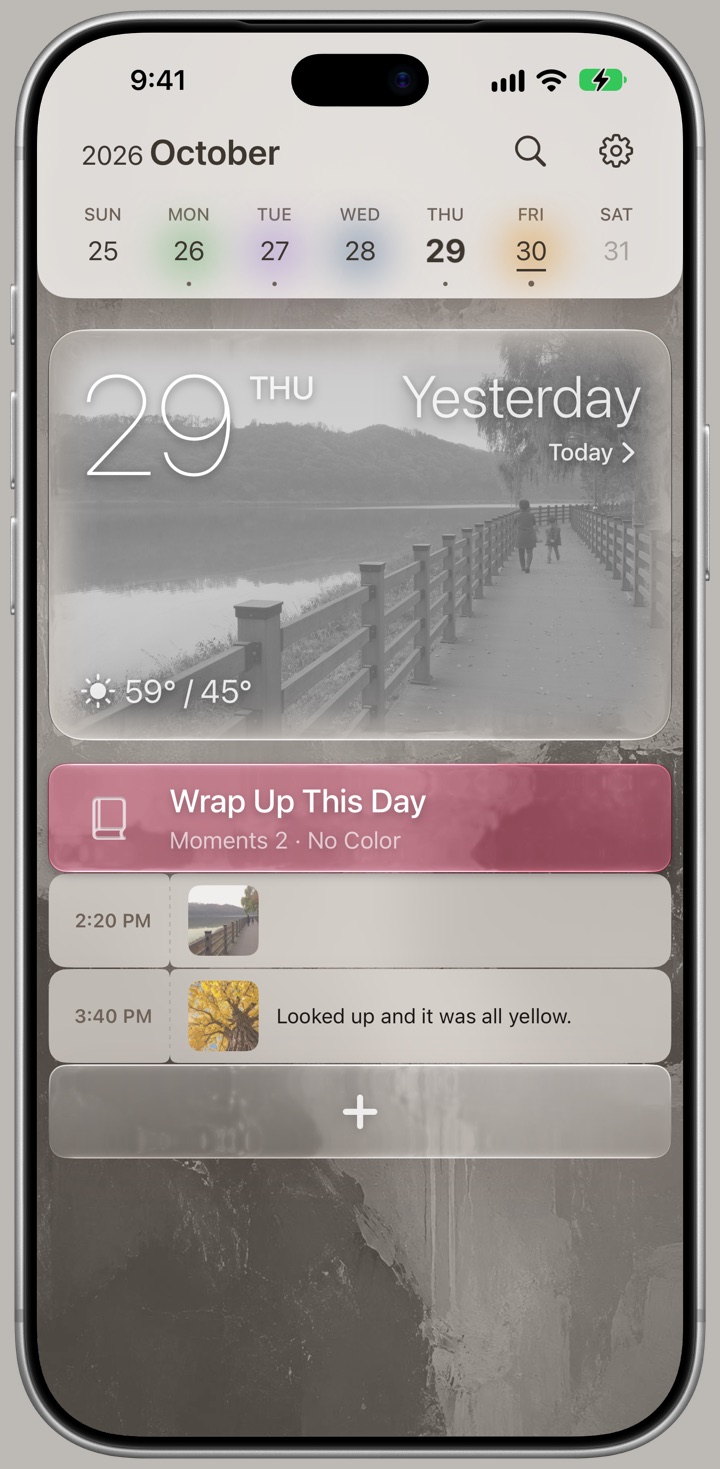
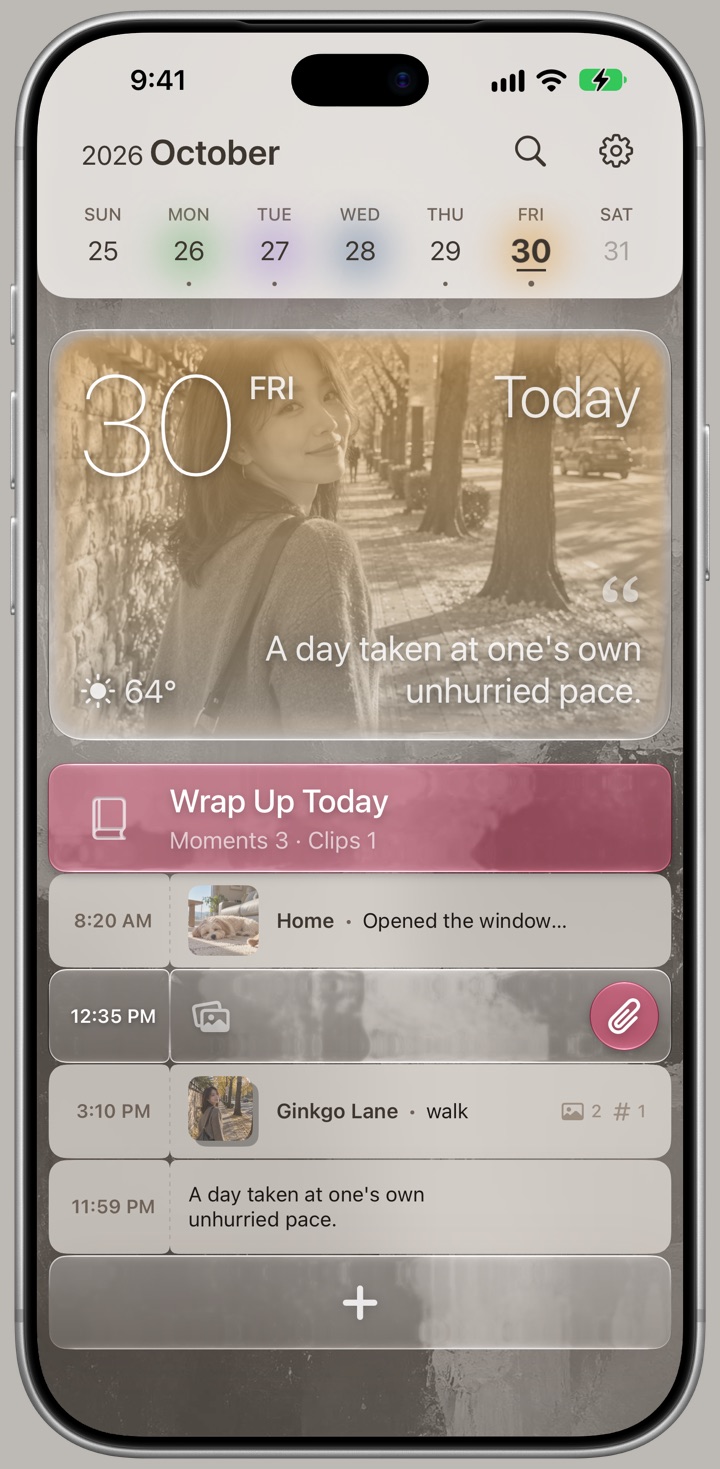
Open the app and today is already there — a photo, the day's mood on it, one line beside it.


At the end of the day, pick today's color. It doesn't sit in a dot. It seeps into the photo and becomes the air of that day.
It can be anything. A thought out of nowhere, a line you never let go of, words that only mean something to you that day.
Swipe sideways and yesterday arrives. Then the day before. One swipe, one day.
Keep it, no pressure
Sort it out when you're free
Open it again, anytime
An entry holds more than words and photos. What time it was, where you were, who was with you, what the air felt like — it all stays together.
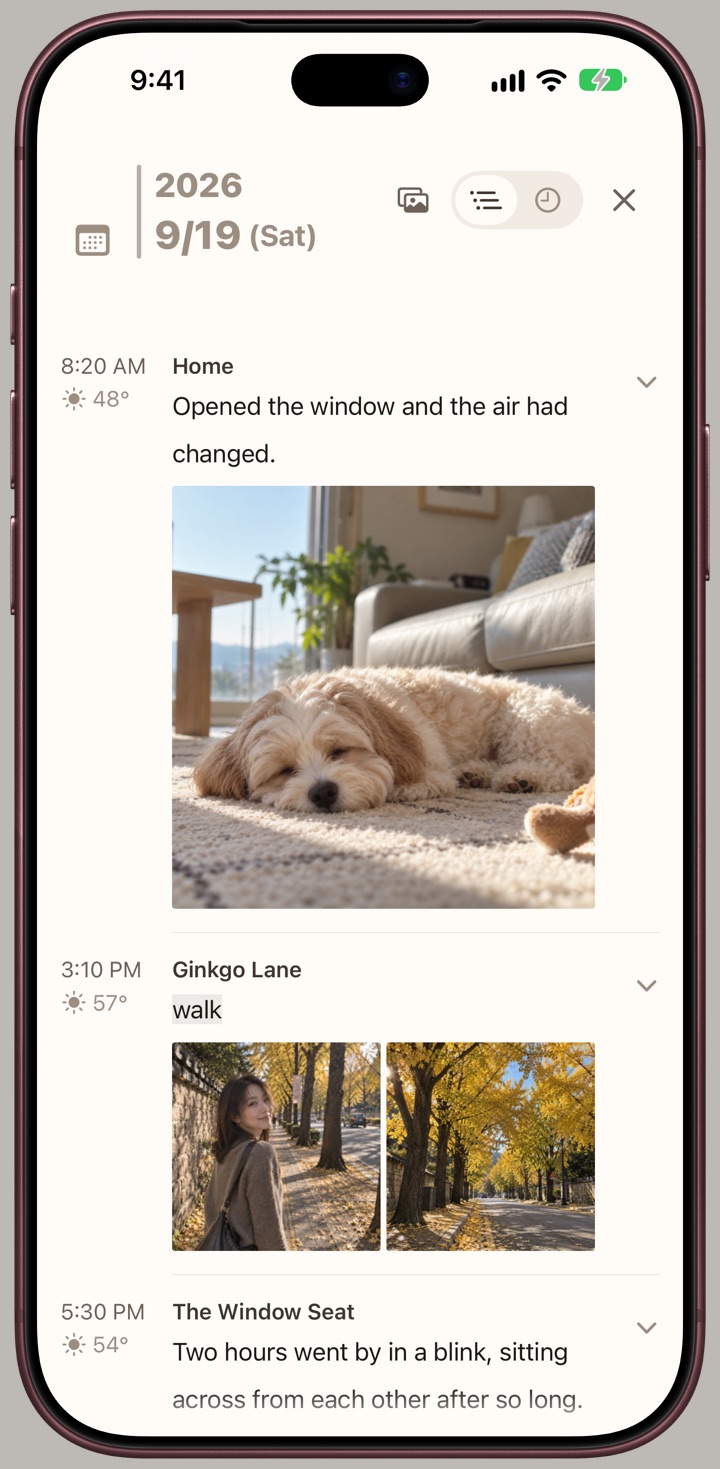
The moments worth keeping arrive when your hands are full. So you drop a fragment and come back later.
One line is enough. So is one photo. So is nothing but where you're standing.
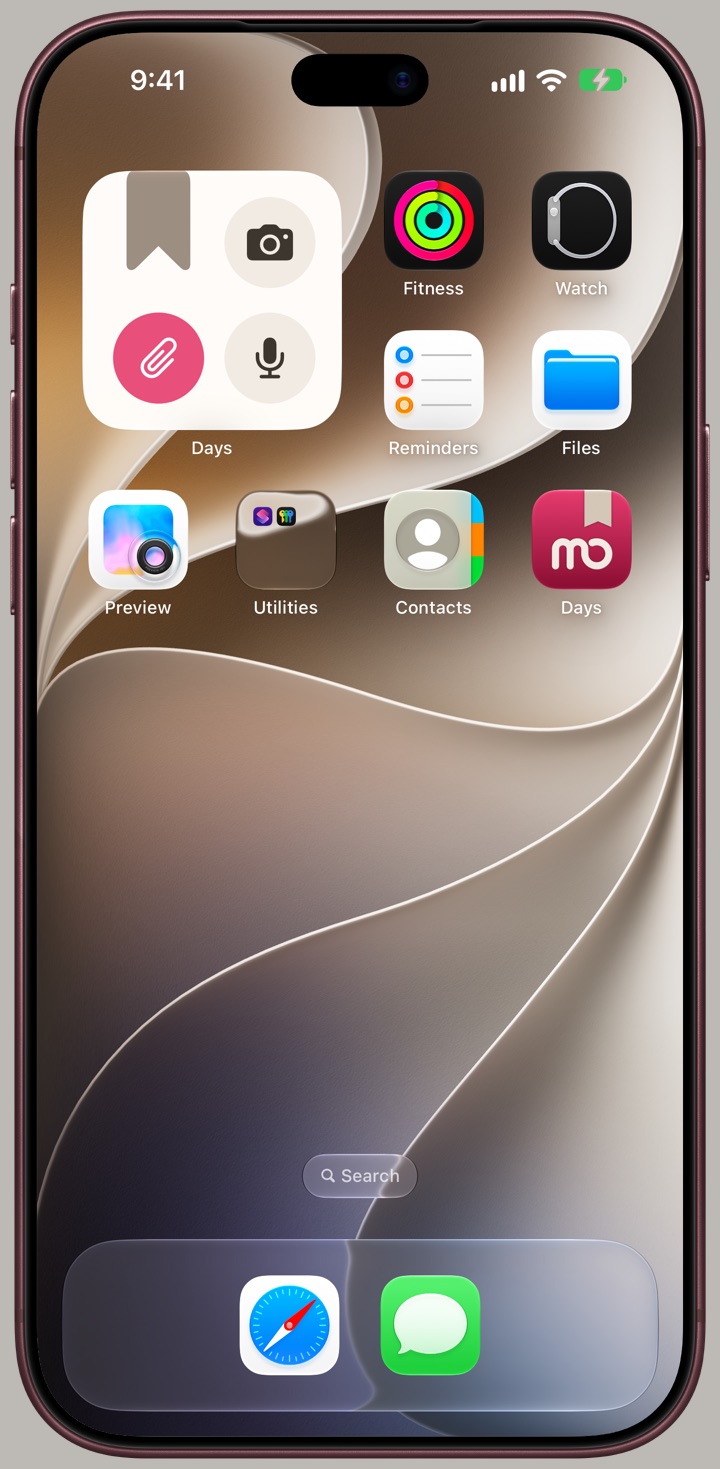
One button on the Lock Screen saves it without unlocking your phone. Put it on the Action button, or just ask out loud.
Drop one at every stop and tie them together later. The hours and distance between them surface on their own.
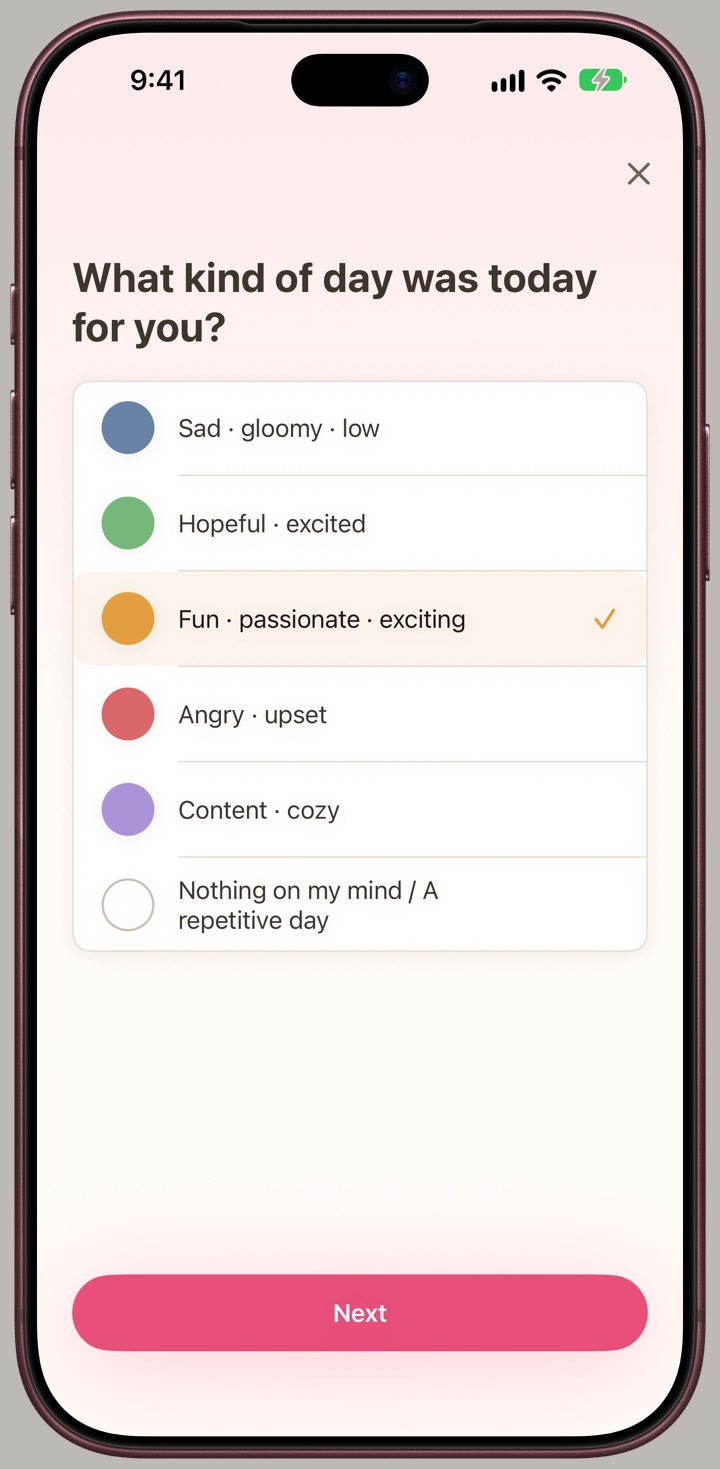
Every evening it asks once: how was today? On nights you've already wrapped up, it doesn't call.
It goes in order and skips what doesn't apply.
On a day you wrote nothing, one color is a complete day.
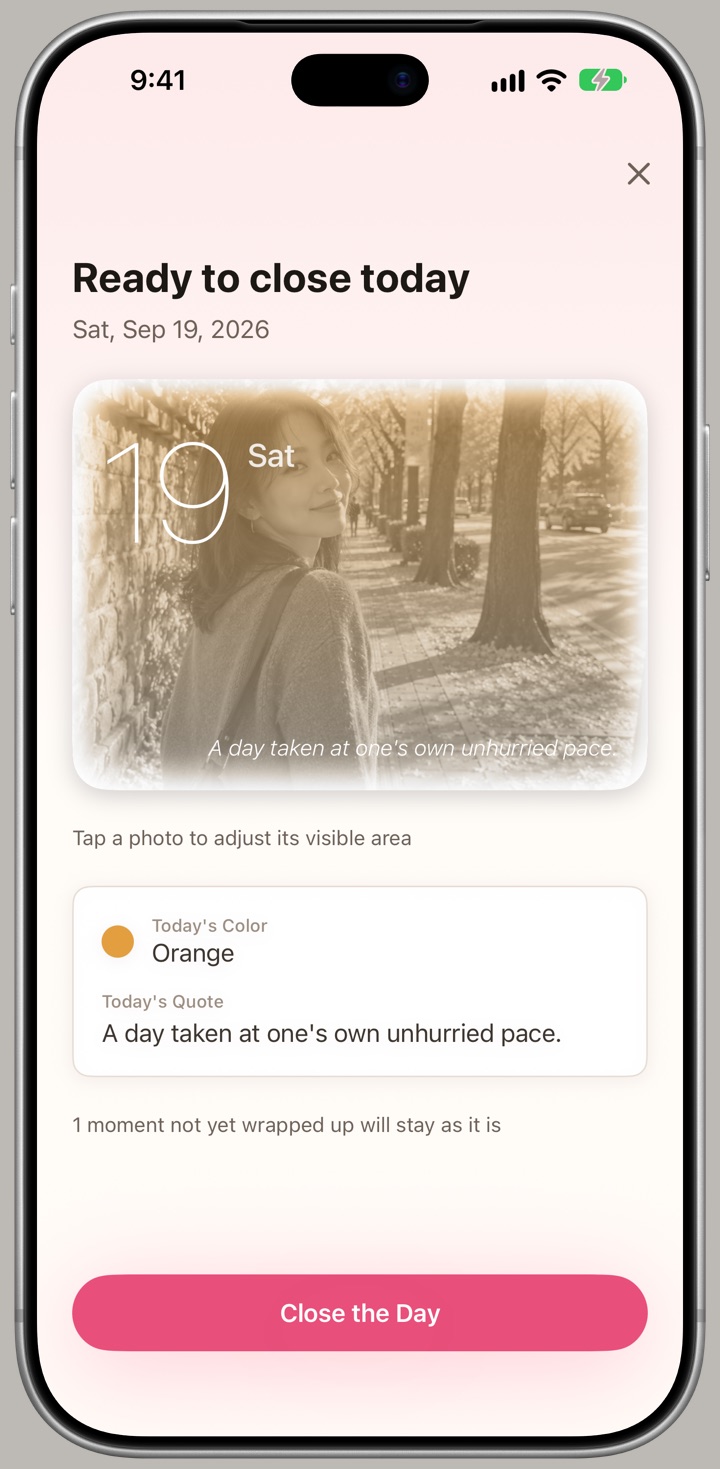
The day's card appears at the end. See how today will stay, then close.
Closing isn't final. Change your mind later and tap that day's closed-book button to open it again. A few days ago or years ago, it works the same.
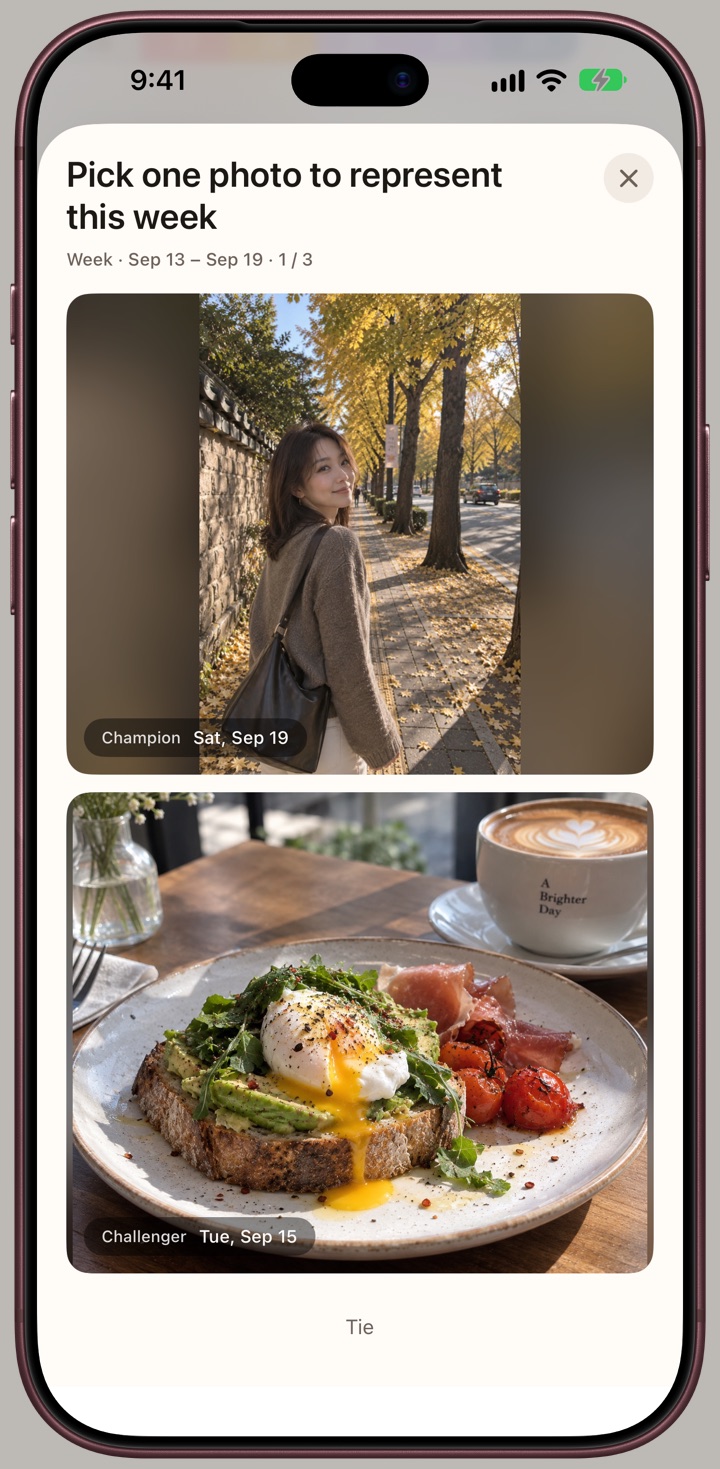
Two photos, side by side. Pick the one you lean toward. That's it — it runs like a tournament bracket.
 Day
 Week
 Month
 YearLifetime
All you did was choose between two.
Pick differently later, and your past picks still stay.
Some pairs can't be called. Leave them open and come back anytime.
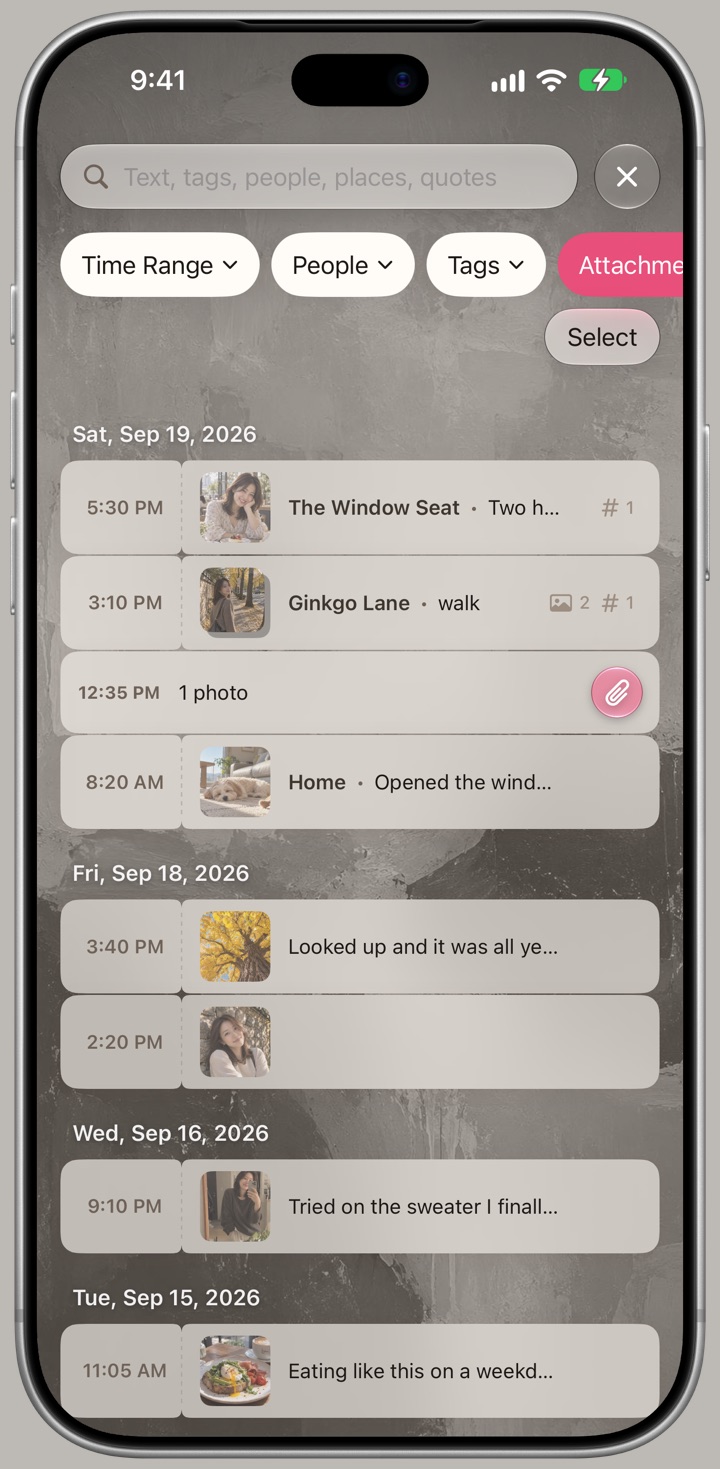
What you remember is rarely the date. It's who was there, where you were, what you talked about.
Stack conditions to narrow it down. It searches your words, tags, names, places, and every day's line.
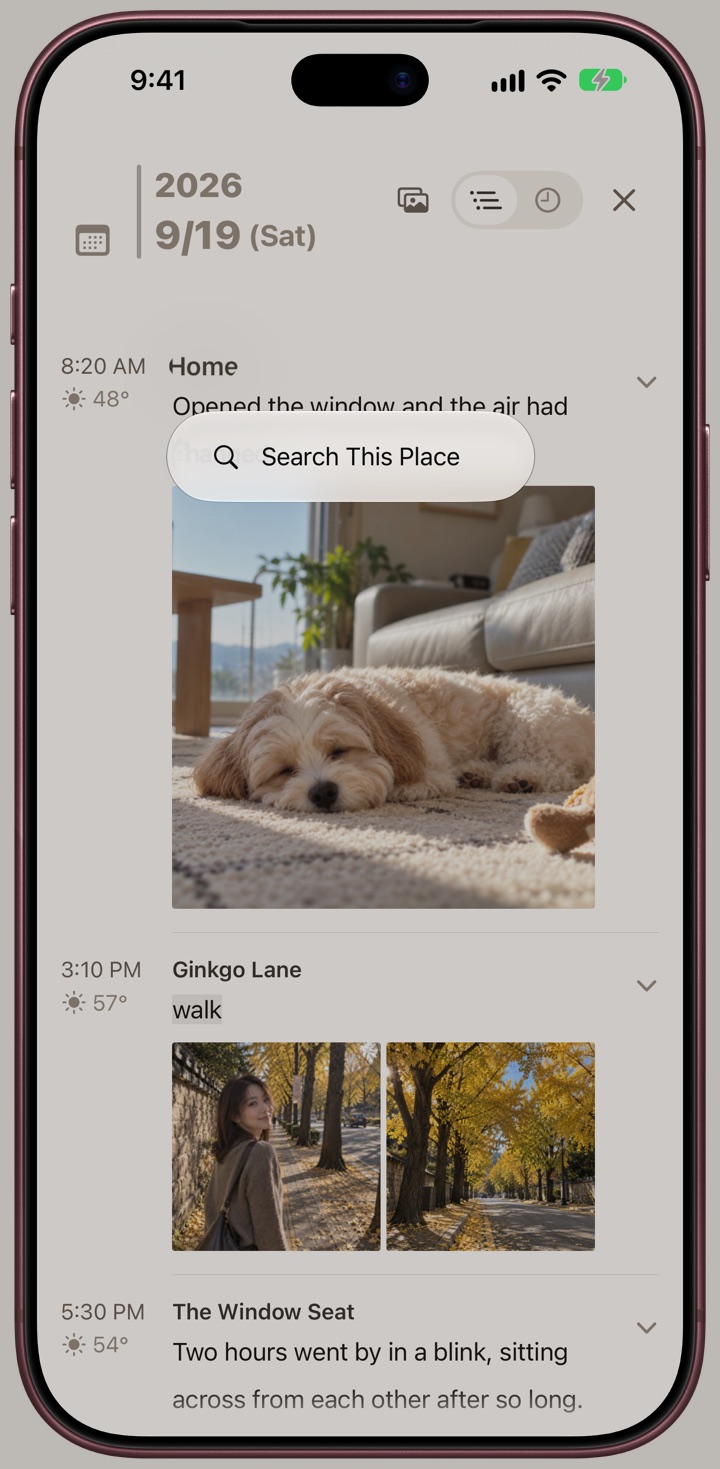
Press and hold a name while reading, and every day that person appears in gathers in one place.
Pull up five years of “commute,” then name all of it “The A Corp Years” at once.
A locked folder is already a confession.
There's nothing more to show you.
Your entries would say the same.
Private entries don't get a padlock. They're simply not there.
Give them a different passcode. The app opens perfectly with it. Only what you keep private is missing.
One gesture you set switches over on the spot.
If you don't use it, the word “hidden” appears nowhere in the app.
Not wanting to see something and wanting it gone are different things.
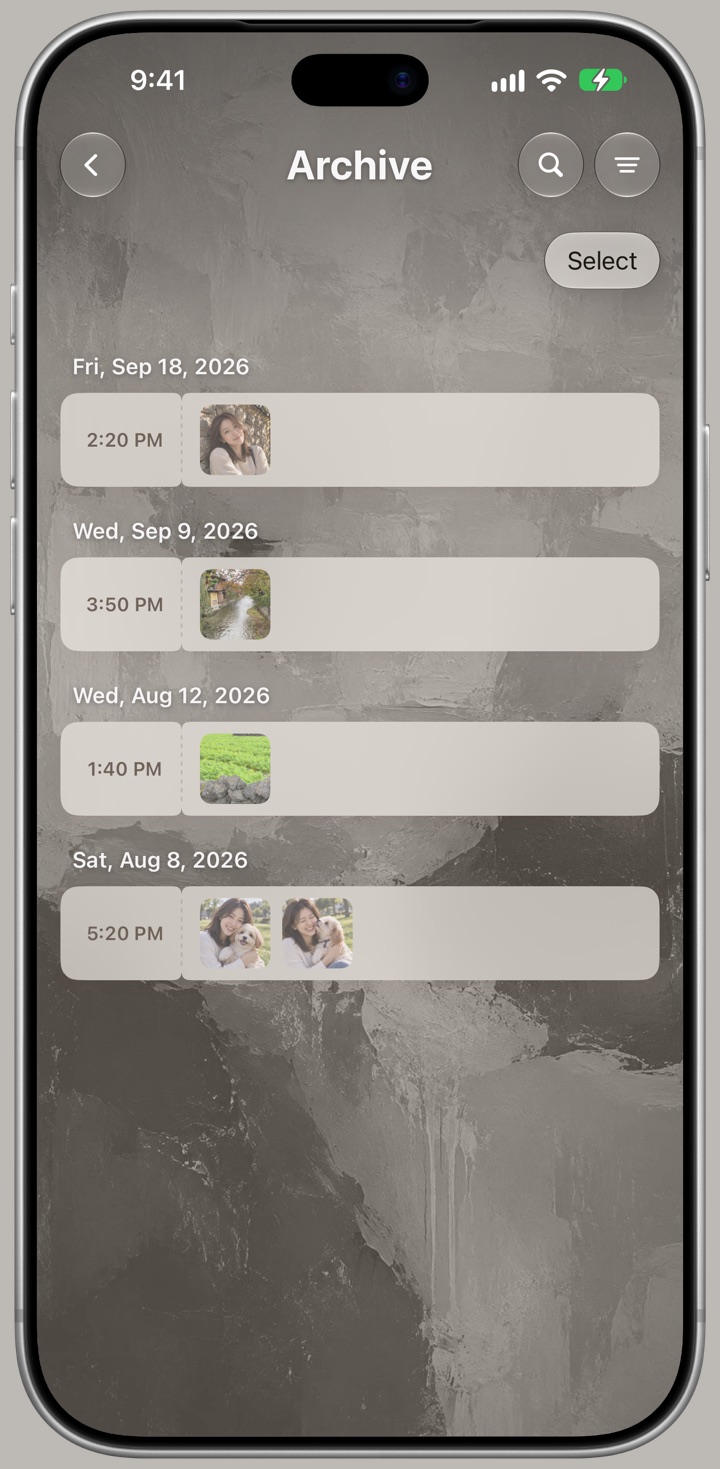
Put an entry in the archive and it leaves the timeline, search, and Photo Pick. One more answer for the things you almost deleted.
Take it out and it returns exactly where it was.
It isn't for keeping things from others. It's a place for what you don't want in view right now.
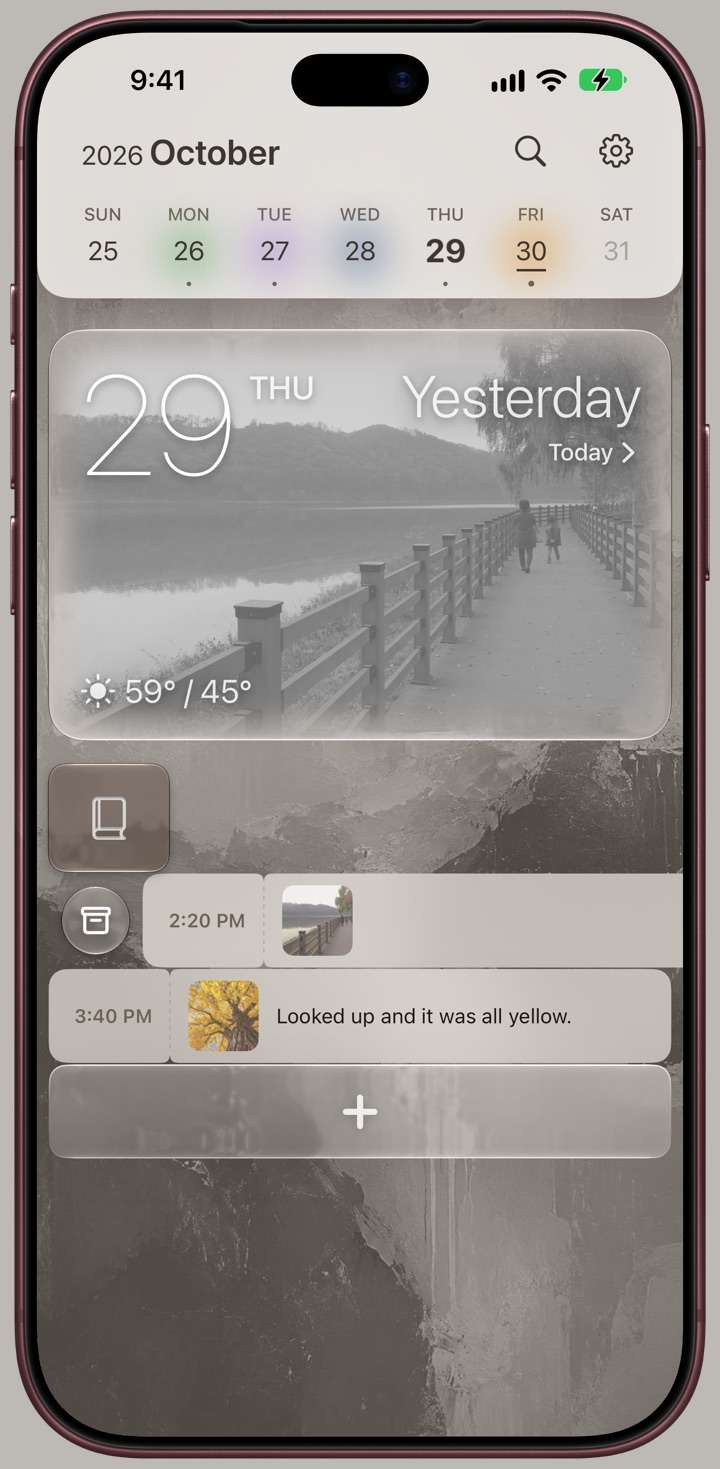
A day is a page. A month is a chapter. A year is a volume.
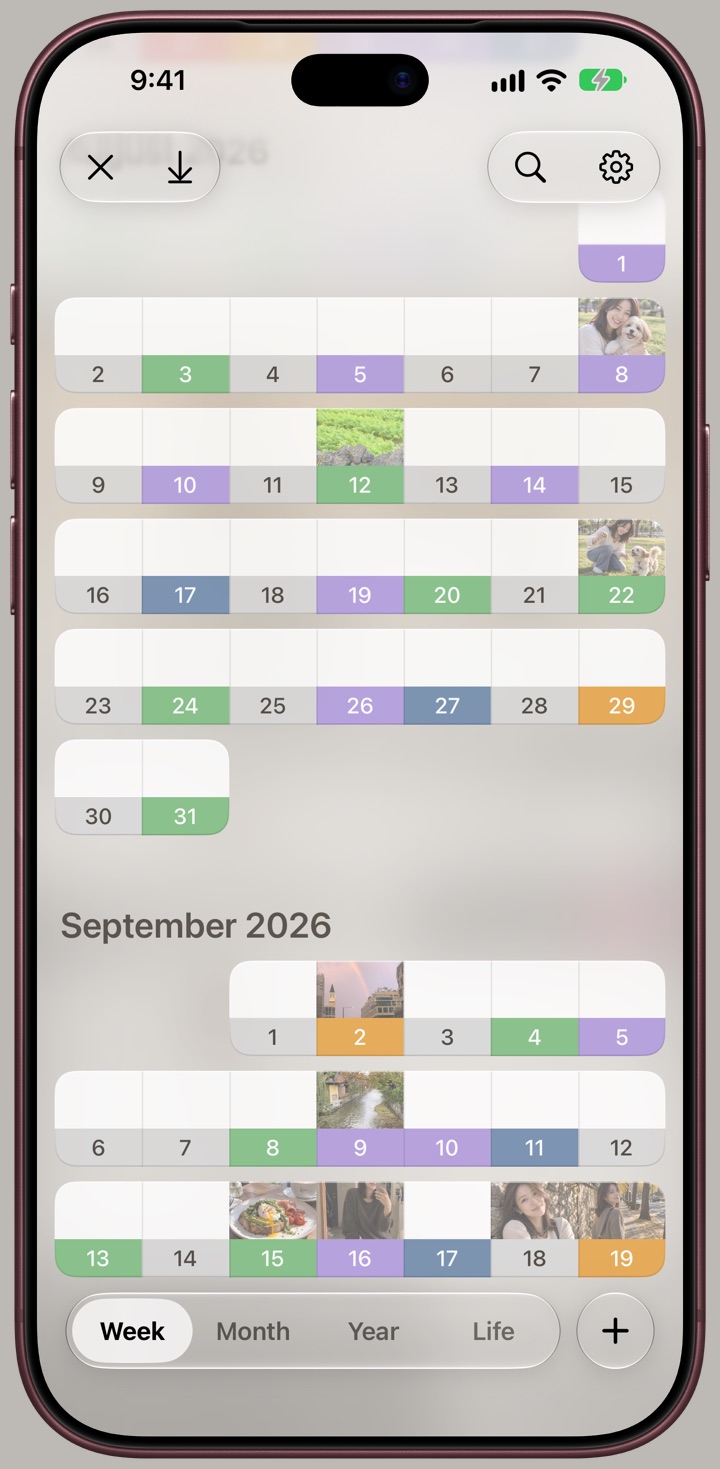
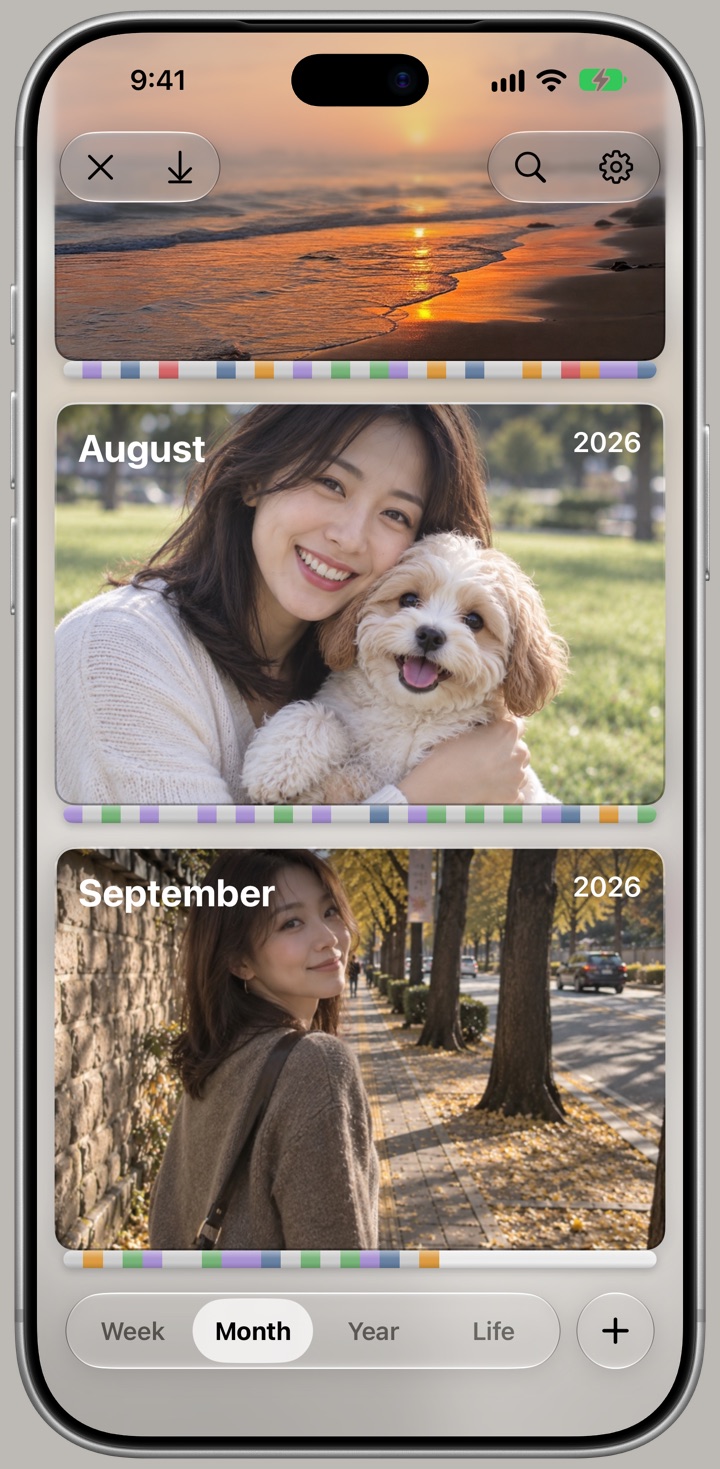
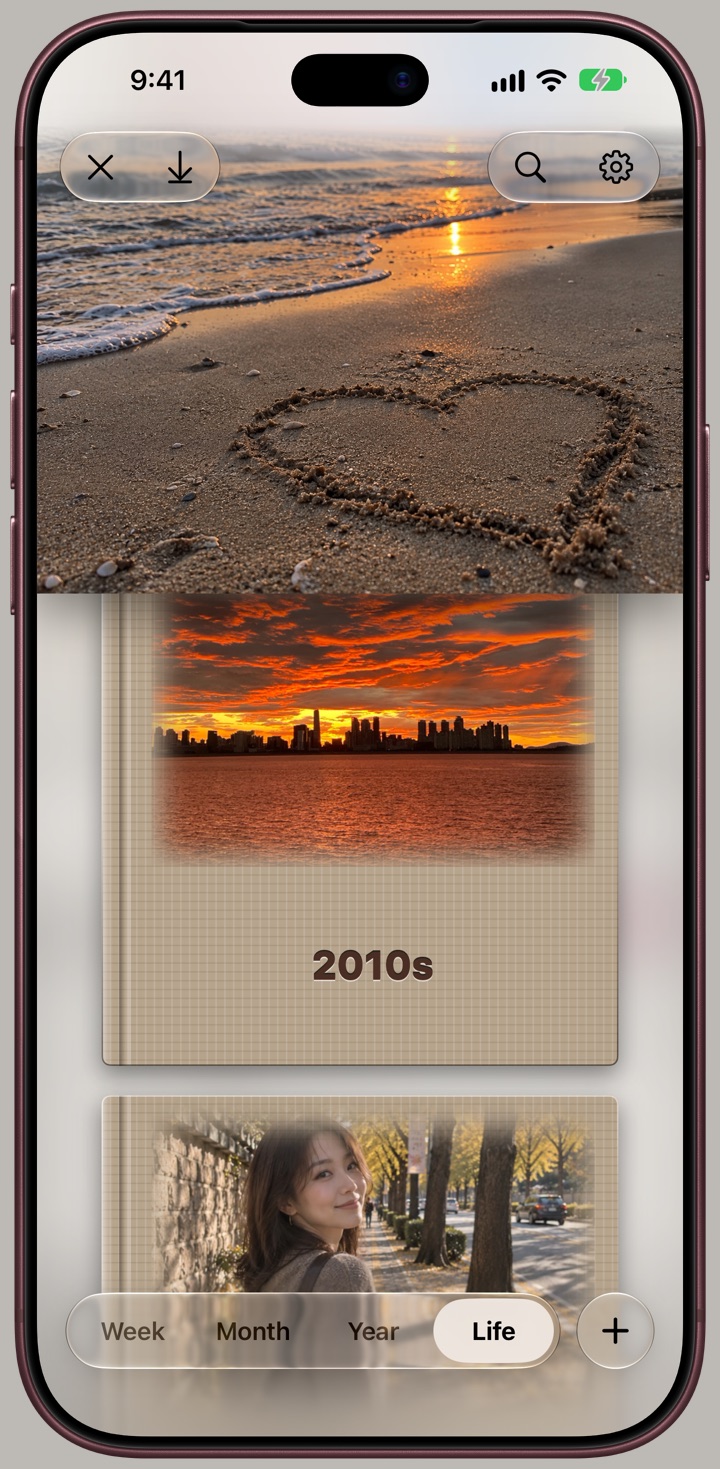
The further down, the closer to a day. The further up, the closer to a life.
Newlywed. Exam year. Words that belonged to one stretch of time turn out to be its name.
No algorithm picked these. The colors, photos, and lines are the ones you chose. You're the editor, start to finish.
It carries over through iCloud, original photos included. Open a new phone and it's all there.
Restoring brings back only what went missing. Nothing you wrote in between is overwritten.
The to-dos you finished and the routines you kept are already waiting in the evening wrap-up. Just pick what to keep.
View mo.Today on the App Store